Gmail for Android
2026.09.07.977329765.Release · Google LLC · Page updated
Gmail for Android is Google's email app for reading and sending mail from Gmail and other accounts, with search, labels and spam filtering.
Rate Gmail
Average 0.0 · ratings: 0
Thank you! Your rating is saved; you can change it. Could not save the rating. Please try again later. Too many ratings from your network today. Please try again tomorrow. The average appears after 5 ratings.
Screenshots
About Gmail
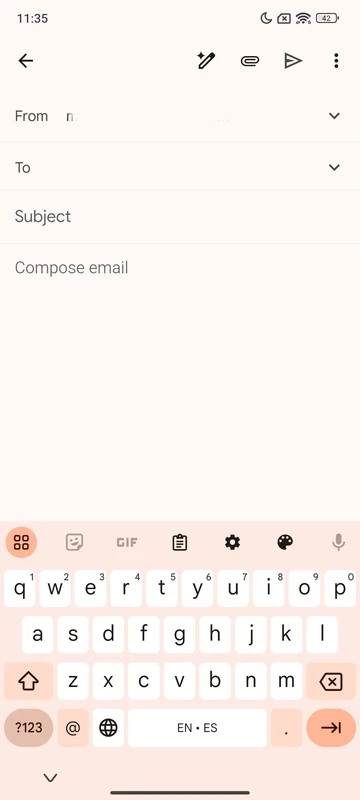
Gmail for Android, build 2026.09.07.977329765.Release, is Google's official email app, and it is free on Google Play. On most Android phones it is already installed, so the main tasks are keeping it updated, adding your accounts and setting it up so important mail stands out.
Quick facts
- App: Gmail
- Build: 2026.09.07.977329765.Release
- Developer: Google LLC
- Platform: Android (also iOS and web)
- License: freeware
- Service launched: 1 April 2004
- Created by: Paul Buchheit
- Size: about 66.14 MB according to catalogue data
- Web version: mail.google.com
A guide to Gmail on Android
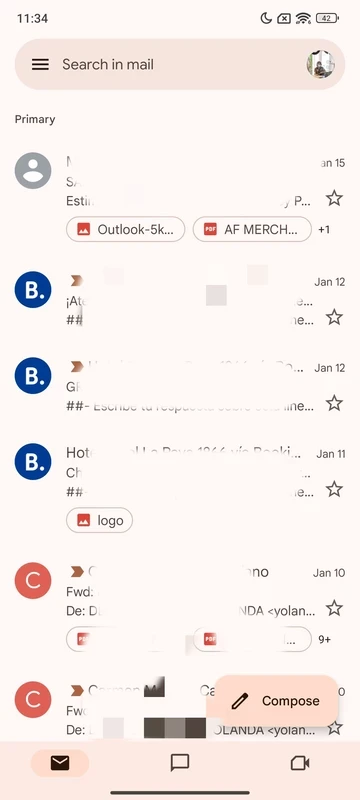
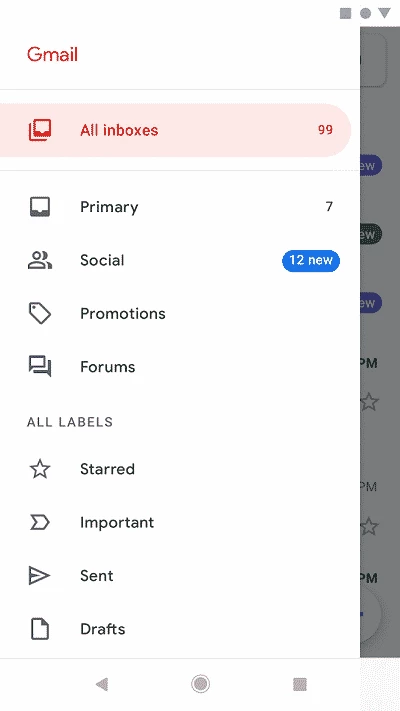
Gmail started on 1 April 2004, created by Paul Buchheit at Google, and grew into a webmail service that most people know by name. The Android app is where many of us read mail today. It sorts incoming messages into tabs, so newsletters and social notifications do not bury personal mail, and its search finds old messages by sender, subject or words in the text. Labels work like folders, and a message can have several of them. The app is not limited to Gmail addresses: you can add Outlook, Yahoo or any IMAP account and read everything in one place. Spam filtering runs on Google's side, so most junk never reaches your inbox, and suspicious messages come with a warning banner.
Step-by-step: install and set up
- Open Google Play and search for Gmail; tap Install or Update.
- Open the app and sign in with your Google account.
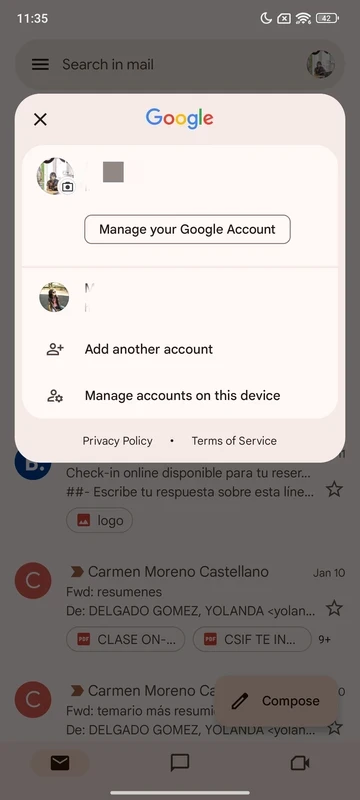
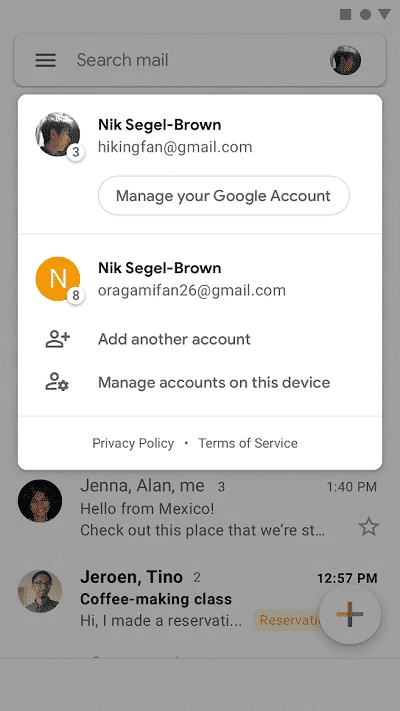
- To add another address, tap your profile picture and choose Add another account.
- In Settings, choose which notifications you want, for example only for high-priority mail.
- Turn on swipe actions to archive or delete with one gesture.
Requirements
Google Play checks compatibility. If the Update button is missing, the phone's Android version may be too old for the latest release, and the app will stay on the last build it supports.
Spam and phishing tips
Gmail catches most spam, but not all phishing. Check the real sender address behind the display name, be suspicious of urgent requests to log in or pay, and open links from banks and delivery services by typing their address yourself. Turn on two-step verification for your Google account, since your email is the key to resetting every other password.
Price
Gmail is free and includes storage shared with Google Drive and Photos. Extra storage and business features are available through Google's paid plans; the Gmail business page explains the options for organisations.
Pros and cons
- Pro: strong spam filtering and fast search.
- Pro: several accounts, including non-Google ones, in one app.
- Con: free storage is shared with photos and files.
- Con: inbox tabs can hide mail you want to see.
Alternatives
Microsoft Outlook and Yahoo Mail are email apps for Android in the same category.